Med Sync Enrollment
This topic is part of the Med Sync section that is intended for independent pharmacies only. This topic is not applicable to Rexall pharmacies.
Once the Med Sync program has been activated at your pharmacy, you can enroll patients into the Med Sync program.
Ensure the patient and and their prescriptions meet the qualifications of the program. For more information, see Patient Qualifications for Med Sync.
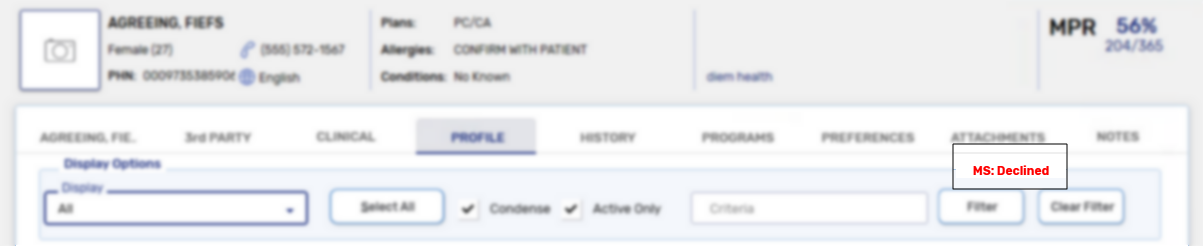
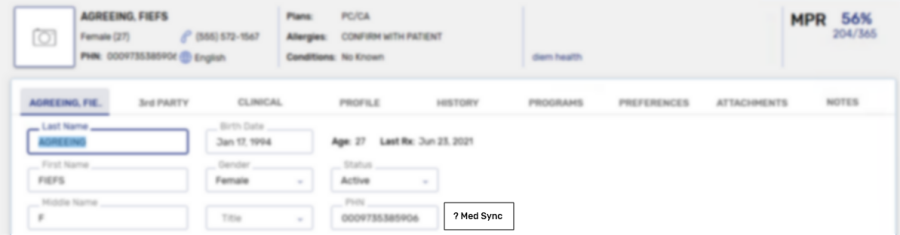
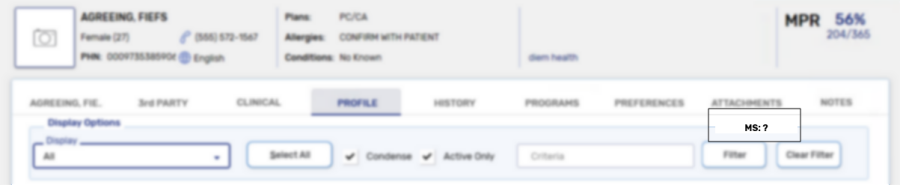
Prior to enrolling or declining a patient from the Med Sync program, an indicator displays in the Main tab and the Profile tab, identifying that the patient has not been asked about their enrollment in the program.
-
Main tab
-
Profile tab
A patient can be enrolled or declined from the Med Sync program from the Programs tab.
Use the dropdowns below to learn more information.
 Enrolling in the Med Sync program
To enroll a patient in the Med Sync program, select the Programs tab and set the Med Sync dropdown to Enrolled.
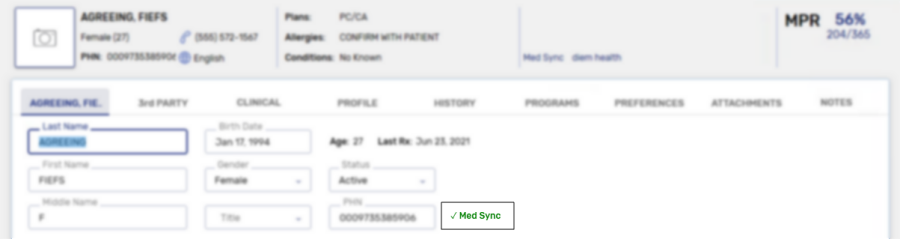
Once enrolled, the patient's Main tab and the Profile tab are updated to reflect this.
-
Main tab
-
Profile tab
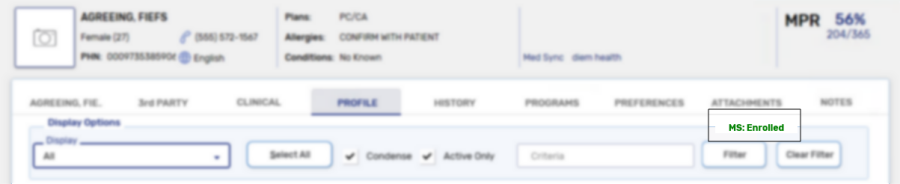
Once a patient and their prescriptions are enrolled in the Med Sync program, the prescription will be placed in the Data Entry queue based on the specified pick up date. For more information, see Med Sync Prescriptions on the Workbench.
Opting out of the Med Sync program
To opt a patient out ofthe Med Sync program, select the Programs tab and set the Med Sync dropdown to Declined.
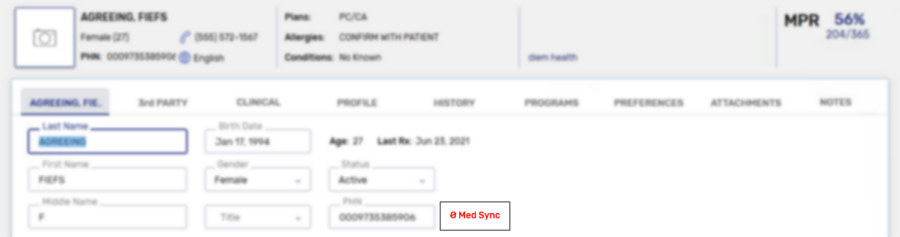
Once declined from the program, the patient's Main tab and the Profile tab are updated to reflect this.
-
Main tab
-
Profile tab